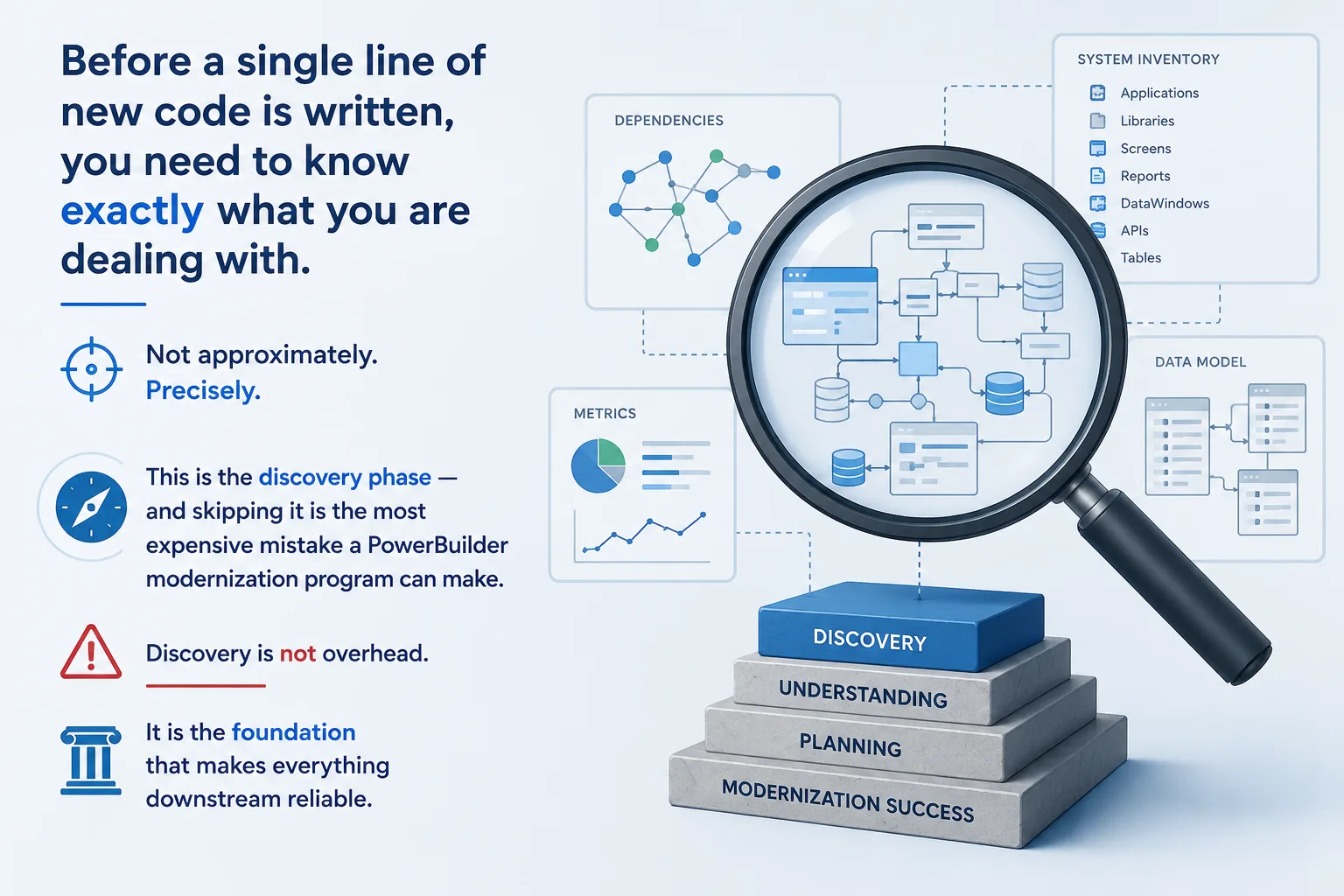
Before a single line of new code is written, you need to know exactly what you are dealing with.
Not approximately.
Precisely.
This is the discovery phase — and skipping it is the most expensive mistake a PowerBuilder modernization program can make.
Here is what a rigorous discovery produces:
Step 1 — Export and parse all .pbl libraries. Every DataWindow object, window, function, and global variable catalogued programmatically. Automated tools do this in hours, not weeks.
Step 2 — Categorize by type and complexity. Standard retrieval DataWindows. Composite reports. Dynamic DataWindows that use Modify() at runtime. Nested structures. Each category carries a different migration risk profile.
Step 3 — Build the dependency graph. Which DataWindows are used by which windows. Which windows are called from which menus. This is the map that tells you which modules can migrate first and which must wait.
Step 4 — Identify high-risk objects. Computed columns with complex expressions. DataWindows that have been modified dozens of times. Objects whose behavior is inferrable only from institutional memory or production observation.
Step 5 — Produce the effort model. Module by module, based on actual complexity data. This is the document a project sponsor can plan against — not a guess, not a range, a structured estimate.
Discovery is not overhead. It is the foundation that makes everything downstream reliable.
You can find relevant information in the specific section: https://enable-dev.com/modernization
Follow us on LinkedIn.