With Futurize PB, you don’t have to shut down the whole application to migrate it
28 September 2026
One of the most common reasons organizations delay a PowerBuilder modernization:
“We can’t shut down the whole application to migrate it.”
With Futurize PB, you don’t have to.
You convert only the parts of the application that need to run on web or mobile. The rest of the application keeps running — unchanged, reliable, serving the workflows it has always served.
The converted module integrates cleanly with the original application. Users get a modern web or mobile interface for the functions that need it. The back-office workflows that work perfectly on the desktop continue to work perfectly on the desktop.
This also means you can stage the business case. Start with the one module that most urgently needs mobile access, or the one workflow that a client has been requesting in a browser for three years. Prove the approach on a bounded scope. Then decide how far to take it.
For organizations running PowerServer, the path is even more flexible: move to cloud-hosted PowerBuilder first, then migrate specific modules to web as the business case justifies it.
The full migration is one option. A targeted, incremental improvement is another.
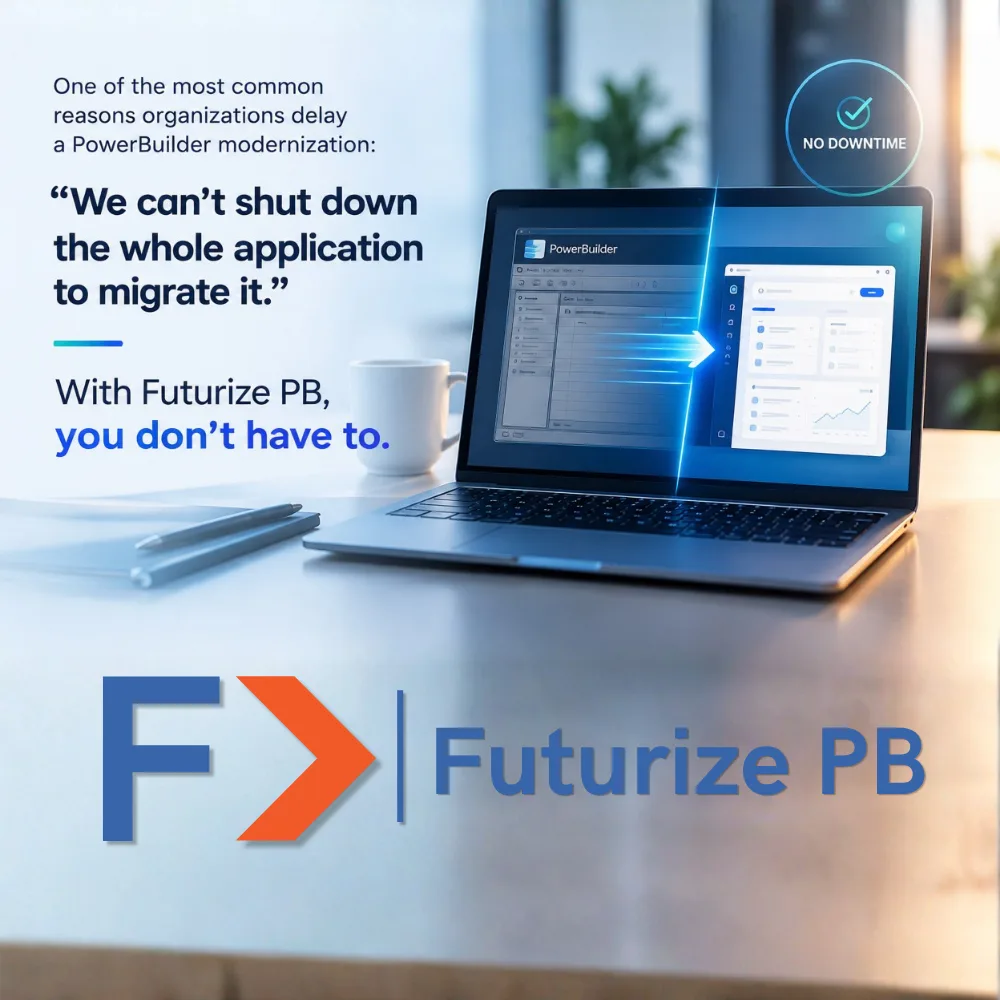
One of the most common reasons organizations delay a PowerBuilder modernization:
“We can’t shut down the whole application to migrate it.”
With Futurize PB, you don’t have to.
You convert only the parts of the application that need to run on web or mobile. The rest of the application keeps running — unchanged, reliable, serving the workflows it has always served.
The converted module integrates cleanly with the original application. Users get a modern web or mobile interface for the functions that need it. The back-office workflows that work perfectly on the desktop continue to work perfectly on the desktop.
This also means you can stage the business case. Start with the one module that most urgently needs mobile access, or the one workflow that a client has been requesting in a browser for three years. Prove the approach on a bounded scope. Then decide how far to take it.
For organizations running PowerServer, the path is even more flexible: move to cloud-hosted PowerBuilder first, then migrate specific modules to web as the business case justifies it.
The full migration is one option. A targeted, incremental improvement is another.
Futurize PB supports both.